Three Christmassy Windows 7 Themes to Decorate Your Desktop


Christmas enthusiasts have already taken out the decorations out of storage and decorated their homes even though there’s still a bit of time until Christmas. They may also want to decorate their desktop with one of the three Christmassy Windows 7 themes that Microsoft published on the Windows Personalization Gallery.
If you are not familiar with the Windows Personalization Gallery, then I must tell you that it is a site that has more than 100 themes to offer to Windows 7 users. The themes are offered free of charge for Windows 7 Home Premium, Professional, Enterprise, or Ultimate. The site also has some nice desktop backgrounds and desktop gadgets to offer. You can visit the Windows Personalization Gallery by clicking here.
As I was saying, there are three Windows 7 themes available for download in the Personalization Gallery, themes that you could use to decorate your desktop now that Christmas is not that far away. Below you can view a preview of those themes (click the image to download the theme), their official description, and the number of images included in each theme.
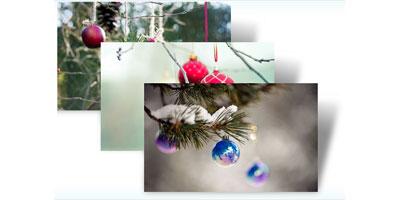
Official description:
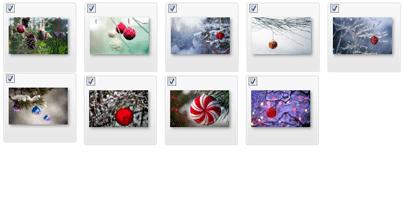
“Bringing a note of holiday cheer to forest and garden, these festive ornaments brighten trees' winter robes of snow and ice. Download this free Windows 7 theme to decorate your desktop for the season.”
Number of images: 9.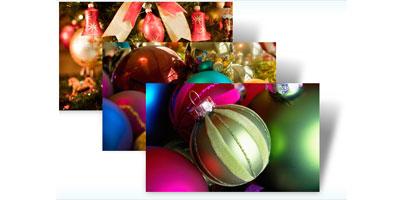
Official description:
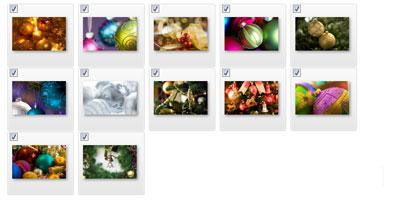
“Fa-la-la-la-la! 'Tis the season to be jolly, join the chorus, and don your most festive apparel. And don't forget to decorate your PC with colorful ornaments, gold ribbon, and candles for this joyous time by downloading this free holiday Windows 7 theme for your desktop.”
Number of images: 12.
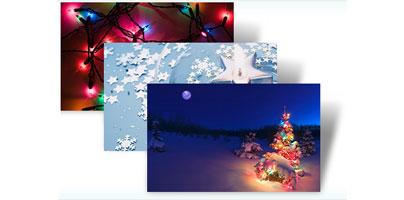
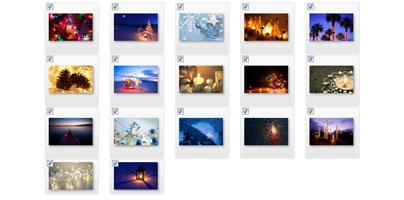
Official description:
“Brighten up your desktop with sparkling images of holiday celebration and winter wonder in this free Windows 7 theme.”
Number of images: 17
There are many other themes you could use to decorate your desktop, so go check the Windows Personalization Gallery out.
If you are not familiar with the Windows Personalization Gallery, then I must tell you that it is a site that has more than 100 themes to offer to Windows 7 users. The themes are offered free of charge for Windows 7 Home Premium, Professional, Enterprise, or Ultimate. The site also has some nice desktop backgrounds and desktop gadgets to offer. You can visit the Windows Personalization Gallery by clicking here.
As I was saying, there are three Windows 7 themes available for download in the Personalization Gallery, themes that you could use to decorate your desktop now that Christmas is not that far away. Below you can view a preview of those themes (click the image to download the theme), their official description, and the number of images included in each theme.
- Decorating the Trees
Official description:
“Bringing a note of holiday cheer to forest and garden, these festive ornaments brighten trees' winter robes of snow and ice. Download this free Windows 7 theme to decorate your desktop for the season.”
Number of images: 9.
- Decking the Halls
Official description:
“Fa-la-la-la-la! 'Tis the season to be jolly, join the chorus, and don your most festive apparel. And don't forget to decorate your PC with colorful ornaments, gold ribbon, and candles for this joyous time by downloading this free holiday Windows 7 theme for your desktop.”
Number of images: 12.
- Holiday Lights
Official description:
“Brighten up your desktop with sparkling images of holiday celebration and winter wonder in this free Windows 7 theme.”
Number of images: 17
There are many other themes you could use to decorate your desktop, so go check the Windows Personalization Gallery out.







